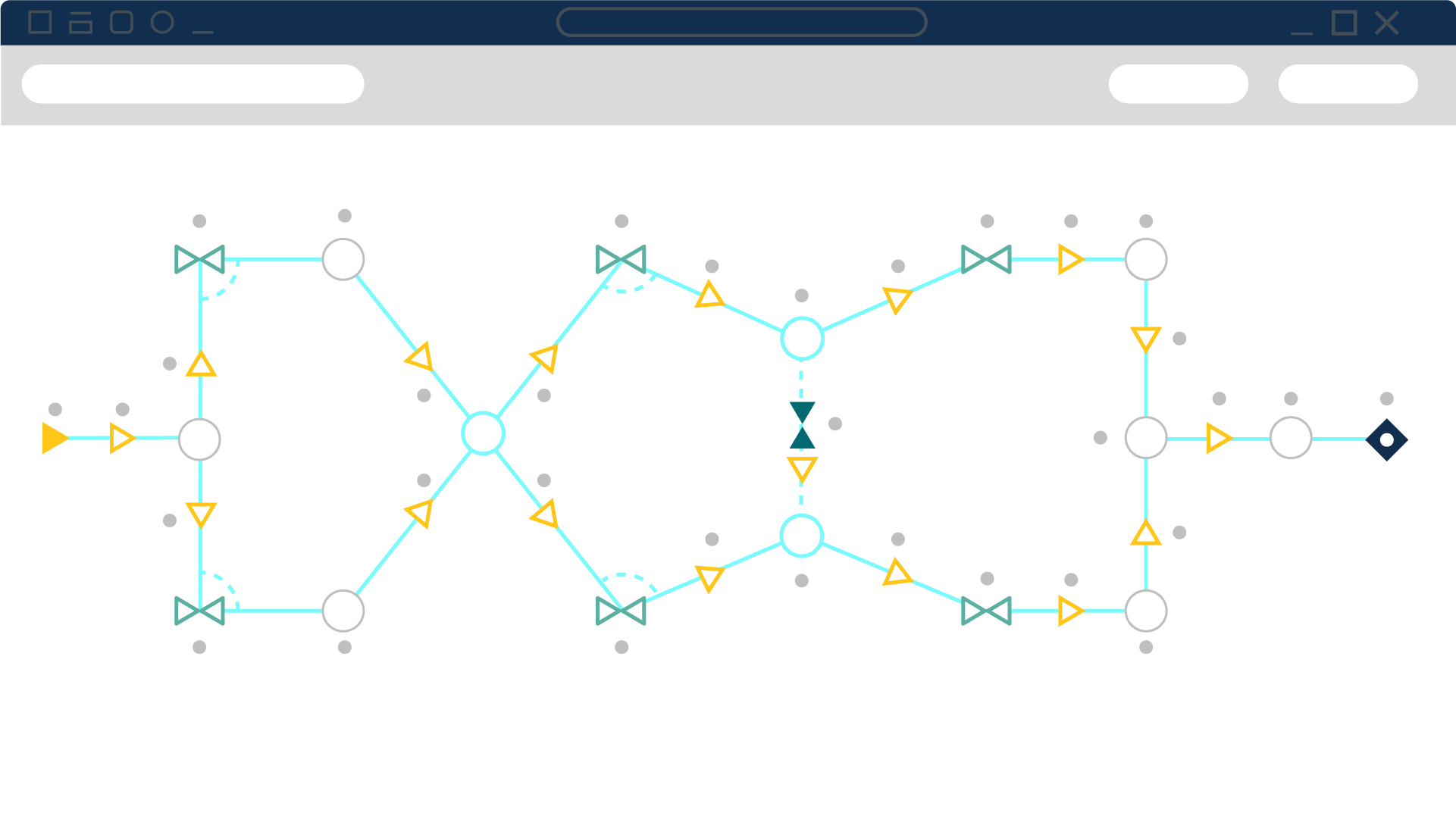
Calculate steady-state compressible flow pressure drop and flow distribution
Design, size, and optimize compressible gas and steam networks. Balance flows, reduce power, and verify performance.
- COMPRESSORS:
- Multiple compressor types: Supports modeling centrifugal compressors, positive displacement compressors, and fans, each with behavior tailored to their operational characteristics.
- Manufacturer-driven input: Uses performance curves or maps from supplier or test data to define compressor behavior accurately.
- Compressor maps for full-range performance: Handles multiple speed curves—such as surge and stall limits—and interpolates between them based on rated speed.
- Fixed-flow positive displacement modeling: Represents reciprocating compressors by specifying a constant flow rate while calculating the necessary pressure rise.
- Thermodynamic impact modeling: Accounts for heat of compression using appropriate thermodynamic processes, including temperature changes across the compressor.
- Variable-speed and controlled operation: Allows compressor speed adjustments or dynamic control logic to meet setpoints for flow or pressure.
- Sizing support: Offers built-in tools to size compressors based on required flow and pressure conditions, aiding component selection.
- Library and reuse capabilities: Frequently used compressor configurations can be saved in component libraries for quick reuse in other models.
PIPES:
- Complete flow physics: Models compressible, one-dimensional gas flow in pipes, applying mass, momentum, energy, state, and Mach number equations for accurate simulation.
- Friction and pressure loss control: Lets you define friction via material-based roughness, use standard models like Weymouth or Panhandle, or input custom friction factors for precision.
- Built-in fittings and losses: Incorporates elbows, valves, and junction pressure drops directly into pipe definitions, reducing model complexity while capturing realistic behavior.
- Heat transfer flexibility: Supports isothermal, adiabatic, constant heat flux, constant heat rate, and convective heat transfer—complete with optional insulation layers for detailed thermal effects.
- Zero-length connectors: Enables linking components without additional pipe length or loss by designating connections as lossless, streamlining schematic clarity.
- Visual data in context: Displays results (e.g., pressure, temperature, flow) directly on pipes, with color mapping to highlight parameter variations across the network.
- Robust solution engine: Utilizes a high-accuracy marching algorithm with Newton–Raphson iteration and optimized matrix methods to handle complex piping geometries efficiently.
- Library reuse and consistency: Offers built-in pipe libraries (with editable properties), allowing you to create reusable templates and maintain uniform modeling practices.
VALVES:
- Steady-state resistance options: Handles valve resistance using Cv, Kv, or K-factor loss models to capture pressure drop characteristics under normal operating conditions.
- Component-based loss placement: Represents valve losses at dedicated junctions, improving accuracy by reflecting location-based pressure drop along the pipeline.
- Dynamic behavior through event simulation: Allows valve positions to change over time or triggered by system events (e.g. time-based closure), enabling transient response analysis with the XTS add-on module.
- Configurable control data: Supports interactive tuning of valve performance via loss tables, including insertion of custom flow vs. pressure relationships.
- Simplified modeling for minor losses: Integrates valve-like resistance directly into pipe definitions when detailed valve modeling isn’t needed, reducing clutter while maintaining functionality.
- Interoperability with control logic: Works seamlessly with control components and add-ons (e.g. Goal Seek & Control), allowing valve setpoints to be varied or tuned in conjunction with system goals.
- Graphical linkage to model layout: Valve behavior and output are visualized directly within the flow schematic, aiding intuitive understanding of performance impact.
- Reusable valve templates: Enables saving and reusing valve configurations via component libraries, promoting consistency across projects.
PROPERTIES:
- Full-field compressible flow solution: Simultaneously solves mass, momentum, energy, state, and Mach number equations throughout the pipe network using a robust numerical solver.
- Segmented marching method: Divides pipes into small segments and dynamically marches along the flow path, adapting segment placement based on changes in Mach number for higher accuracy.
- Variable friction modeling: Incorporates friction losses using roughness-based models or conventional formulas like Weymouth and Panhandle, with options for custom friction factors.
- Flow-division losses at tee/wye: Applies detailed correlations—including flow split, pipe area ratios, and angles—for accurate loss calculation at junctions.
- Real-gas and thermal behavior: Accounts for non-ideal gas behavior through compressibility factors and handles various heat transfer modes—including isothermal, adiabatic, and convective—to reflect realistic flow changes.
- Sonic choking detection: Automatically switches to sonic-loss calculations when choking occurs, using CdA-based methods instead of standard K-factor losses.
- Assigned flow control: Allows specifying known flow inputs or outputs at junctions, including options for irrecoverable losses or transient profiles.
- Reference pressure management: Ensures network solvability by requiring at least one pressure reference junction (e.g. tank or assigned pressure) when known flows bound a section.
IMPORT/EXPORT CAPABILITIES
- Piping layout import wizard: Supports importing from formats like PCF, CAESAR II neutral files, GIS shapefiles, and EPANET, with a guided preview for mapping components before integration.
- EPANET interoperability: Enables seamless import/export of EPANET files to integrate with public-domain hydraulic modeling workflows.
- Cross-product model sharing: Allows models from other Datacor products like Fathom to be opened and converted in Arrow, preserving structure and enabling further compressible flow analysis.
- Excel output management: Provides an Excel Export Manager to map specific values, rows, or tables into chosen cells or sheets for organized result extraction.
- Excel-driven model edits: Permits importing changes from Excel to adjust model input parameters en masse, supporting scenario updates or batch edits.
- Merge functionality: Lets users merge external model files into the current workspace, enabling consolidation of system components or collaborative building.
- Export of model and output data: Offers tools to export model definitions or output tables to delimited files for flexible usage in spreadsheets or reports.
SCANARIO MANAGER:
The Scenario Manager capabilities are one of the most valuable and time-saving features for system design and comparison:
- Design Iteration Tracking: Safely explore “what-if” conditions, pump failures, or demand changes without losing your base model.
- Hierarchy-Based Scenario Tree: Organize scenarios in a structured tree with inheritance to avoid repetitive data entry and maintain consistency.
- Easy Switching Between Scenarios: Instantly toggle between scenarios for side-by-side analysis, design evaluation, and troubleshooting.
- Multi-Case Modeling in One File: Store unlimited design alternatives, operating conditions, or failure scenarios within a single project.
- Input Inheritance: Share common data across scenarios (e.g., geometry, fluids) while varying only selected inputs—greatly reducing maintenance.
- Scenario Comparison Tool: Highlight differences in input data and output results across multiple cases for clear, data-driven decisions.
- Scenario Export & Reuse: Export individual scenarios or branches for reuse in other models or for team collaboration.
- Batch Run Capability: Run multiple scenarios automatically and review results efficiently, saving time during optimization studies.
OUTPUT:

- Customizable output tables: Tailor the Output window by selecting which parameters, pipes, and junctions are shown, controlling order and units for clarity.
- Inspection Window result access: Hold right-click on a pipe or junction in the workspace to quickly inspect the input data and output results directly at the model element.
- Flexible export options: Copy results to the clipboard, save as text, PDF, or delimited files, or use the Excel Export Manager to map output into specific spreadsheets.
- Visual summary diagrams: Display compressor/fan summaries, pipe heat transfer visualizations, and axial point data in intuitive diagram form for quick interpretation.
- Multi-scenario comparison: View outputs from multiple operating scenarios in one window, with color-coded differentiation and scenario ordering for easy comparison.
- Design alert reporting: Group warnings, cautions, and design alerts in the General Output section and see counts for each scenario after batch runs.
- Quick object navigation: From output tables, right-click to locate the corresponding object in the workspace—helping bridge results to model structure.
- Advanced parameter output: Include thermodynamic and flow-specific metrics such as compressor RPM, dimensionless heat-transfer numbers, and valve xT values for deeper insight.
Supported codes & standards
- ASME Steam Tables: Uses the IAPWS Industrial Formulation (1997) for steam property calculations.
- Pipe Material Standards: Provides pipe material properties sourced from standards including ASTM, ANSI, and ASME.
- Gas Relief System Piping Standards: Supports design and analysis under ASME, API, and ISO guidelines for gas relief system piping.
Add-on Modules
Software extension tools that can help you quickly and efficiently complete projects. Modules can work individually or together.
Goal Seek and ControlIdentifies input parameters that yield desired output values and simulates control functions. Used with either Fathom or Arrow.
Extended Time SimulationModels dynamic system behavior in steady-state flow and how critical system parameters vary over time. Used with either Fathom or Arrow.
Automated Network SizingEvaluates the complex interaction of system variables to reveal combinations of cost savings. Used with either Fathom or Arrow.
Chempak DatabaseThe Chempak add-on utility provides a thermophysical database of almost 700 liquids and 600 gases with mixing capability.